

A jailbreak came out a little bit ago for iOS 10.1 – 10.2. So for those of you waiting for the newer jailbreak this one will have to do :). This method will allow you to jailbreak your device semi untethered for any 64bit iPhone running iOS 10.1-10.2, this is a pretty simple process and will probably only take you about 5 minutes to do.
Here are the links that you will need:
This one if for the jailbreak application: https://yalu.qwertyoruiop.com
This one is for the Lydia Impactor: http://www.cydiaimpactor.com
Once you have those downloaded you want to connect your iPhone to your computer (make sure its unlocked and your computer already recognizes your iPhone).
Once your iPhone is connected you want to open up CydiaImpactor and drag and drop the Yalu ipw app within the box of CydiaImpactor (make sure you see the name of your phone in the CydiaImpactor app).
You will be asked to type in your apple id and password, it is completely safe (i’ve already done it and have had no problems with it what so ever).
Your phone will then respring and you will see the yalu app on your home screen.
Go into Settings > General > Device Management and click on the newest option there and click trust.
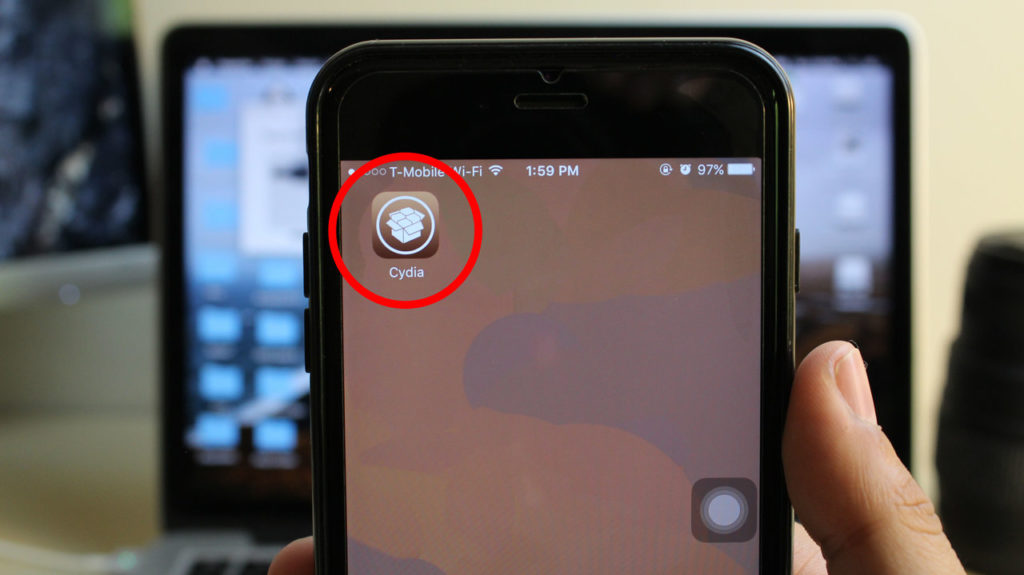
Go back to the yalu app and click “go”, it might take a few tries but your phone will eventually reboot and you will have cydia on your phone.
Here is the video tutorial if you run into any problems: